Hosted cloud PBX
Yeastar P-Series Cloud
The full P-Series Cloud Edition by Yeastar, running on our own cloud. We set it up, keep it running, handle the licence and bill you per seat — you get the admin panel, your team gets the apps.
€4.99 per seat / month · 3-day free trial · minimum 2 seats
Hosted cloud PBX
What's included
Linkus apps
One app for calls, chat and meetings on web, desktop (Windows, macOS), iOS and Android — move a live call between devices without dropping it.
Call Operator Panel
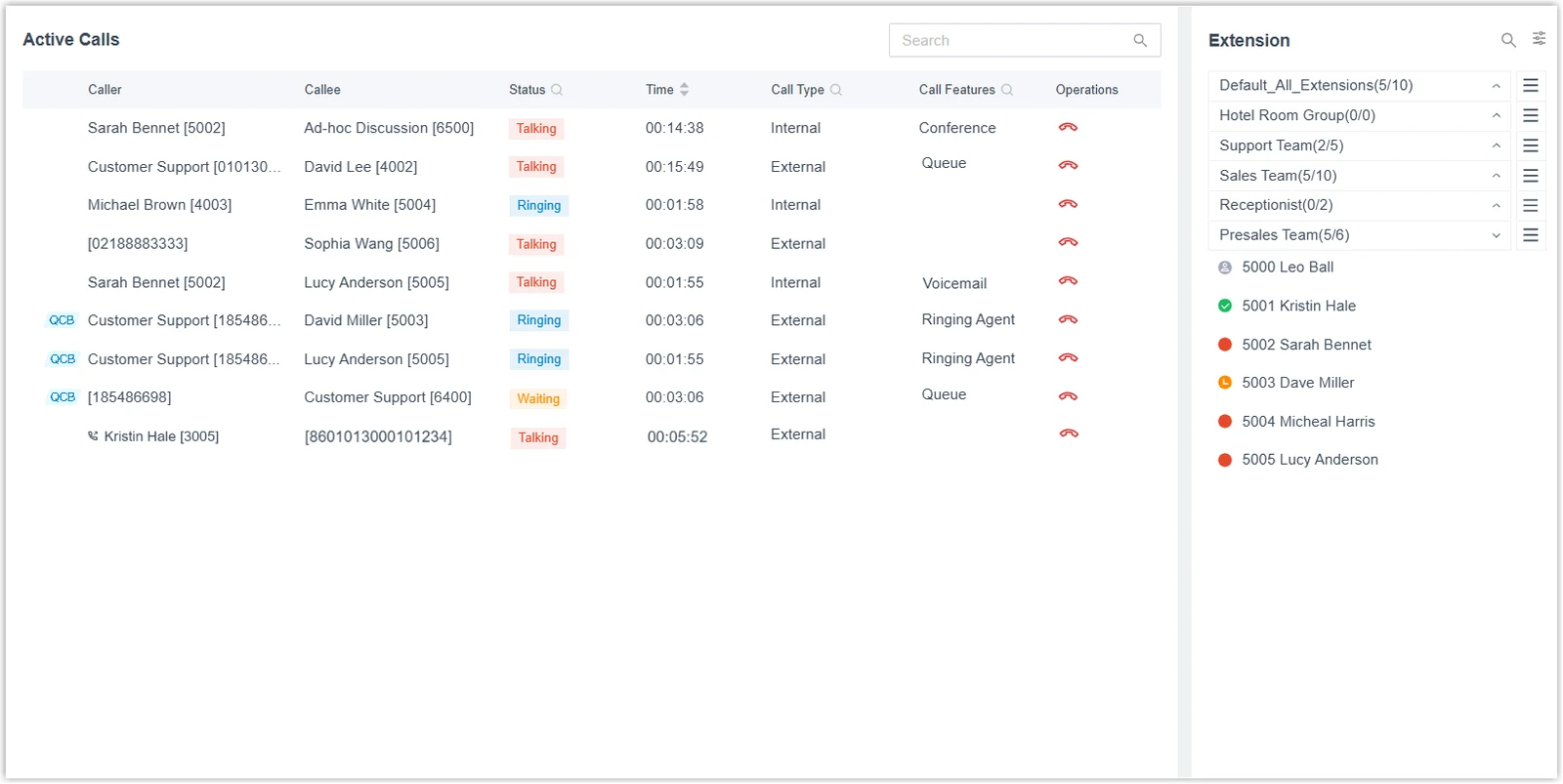
Receptionists see every active call and extension status in one view and handle calls by drag and drop — redirect, transfer, park, monitor.
Call center
Queues with agent states and skill-based routing, queue callback, a real-time wallboard, SLA monitoring with threshold alerts and call center reports.
Omnichannel messaging
SMS and WhatsApp conversations land in the same Linkus inbox as internal chat, matched to contacts and routed to queues.
CRM integrations
Ready-made connectors for Zoho, Salesforce, HubSpot, Bitrix24, Odoo and Microsoft Dynamics 365 — call pop-ups, click-to-call and contact sync.
Microsoft Teams integration
Make and take PBX calls inside Teams, with presence kept in step between the two.
Call recording
Recording with 500 hours of storage on the Enterprise plan, and archiving to FTP, SFTP, Amazon S3, Google Cloud Storage or SharePoint.
IVR & business-hours routing
Multi-level, multilingual IVR with time-based routing, ring groups, call parking and pickup.
Video conferencing
Built-in video meetings and screen sharing in Linkus — no extra licence.
IP phone auto-provisioning
Desk phones from Yealink, Fanvil, Snom and other supported brands set themselves up from the PBX.
Security
TLS and SRTP call encryption, a global anti-hacking IP blocklist, two-factor authentication and enforced password rules.
REST API & webhooks
The full PBX API, switched on for every PBX, for your own integrations and automation.
A look inside
The real screens.
Unedited screenshots of Yeastar P-Series: the admin panel where you set up your phone system, and the Linkus app your team works in. No mock-ups.
Admin panel
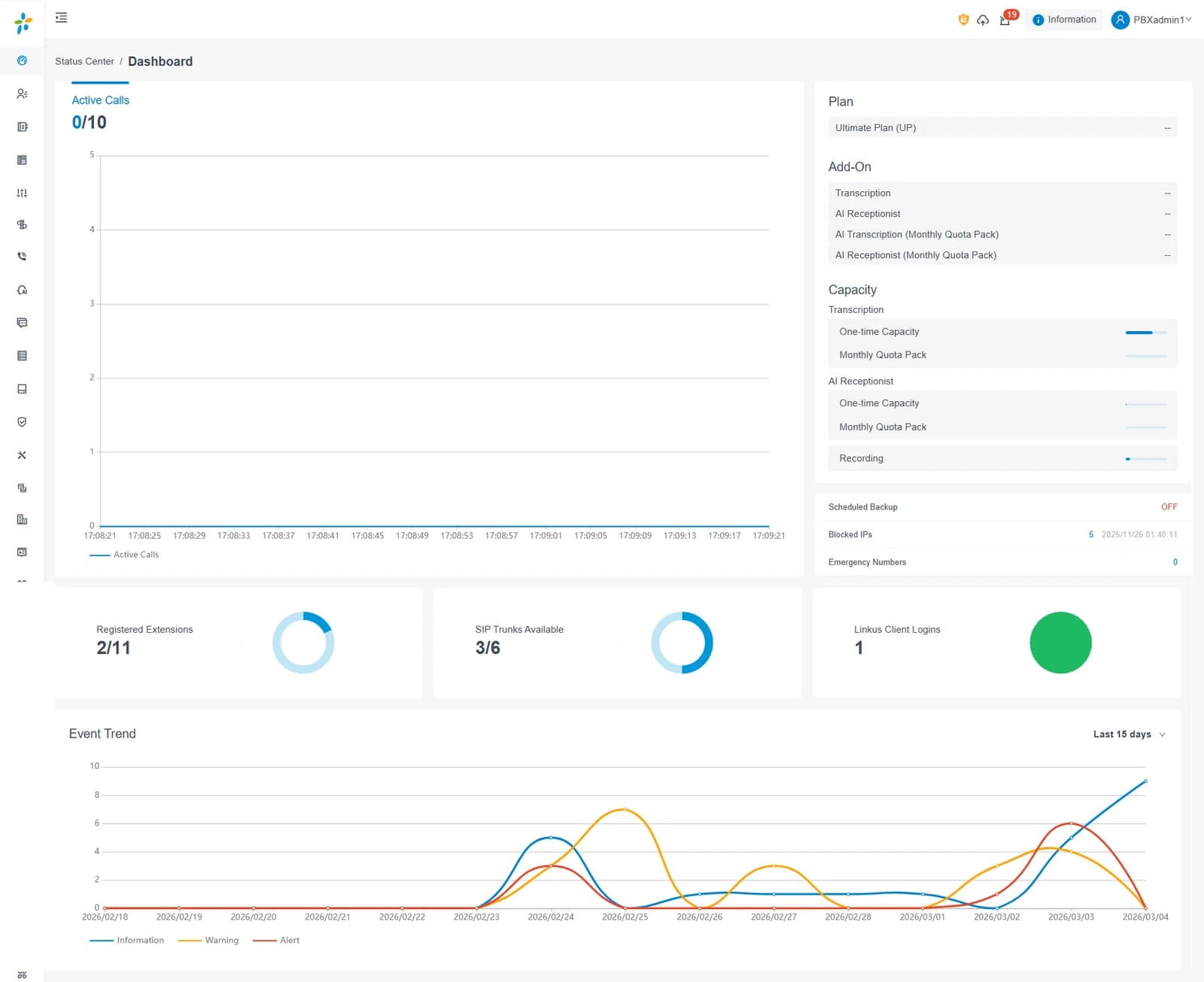
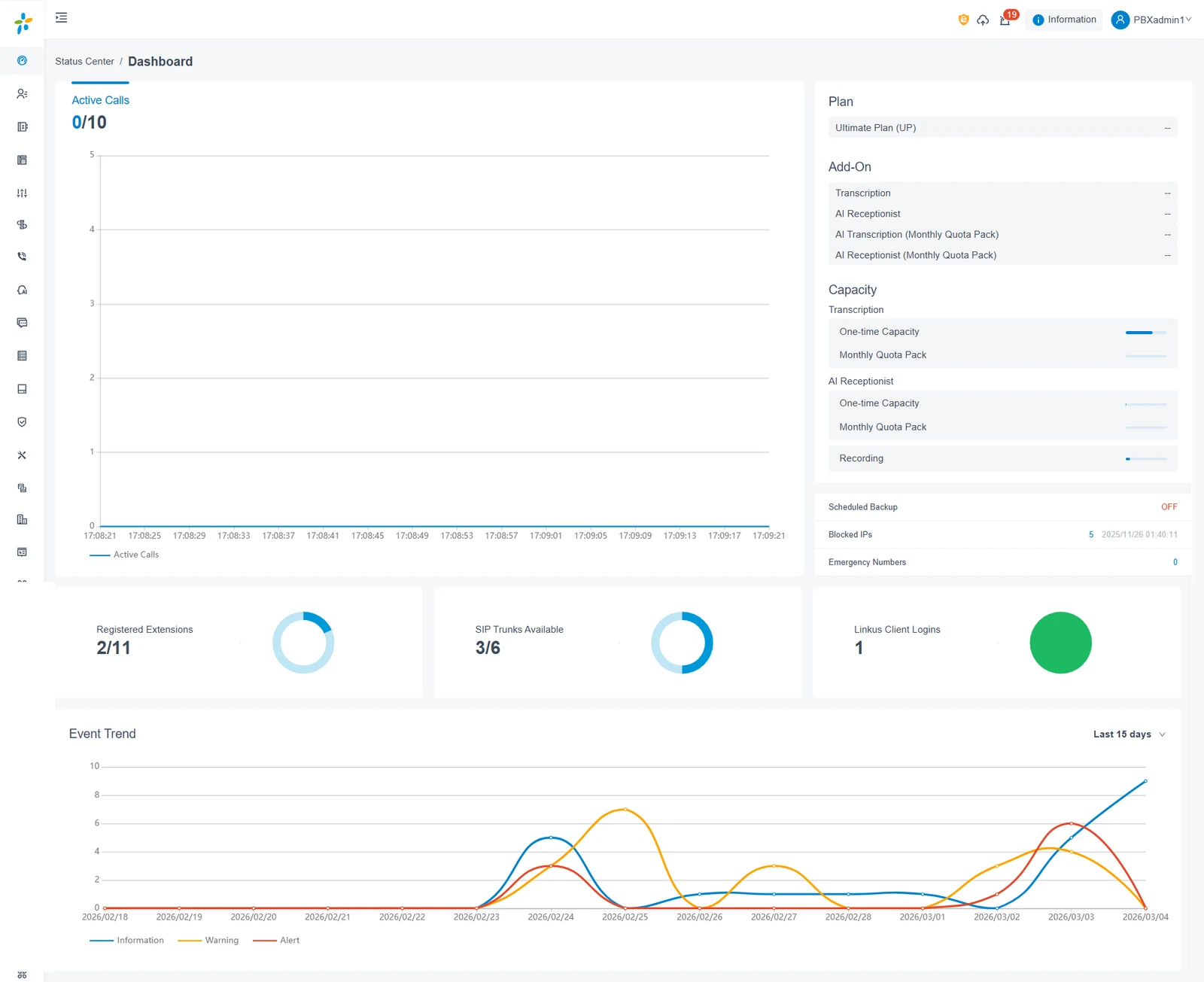
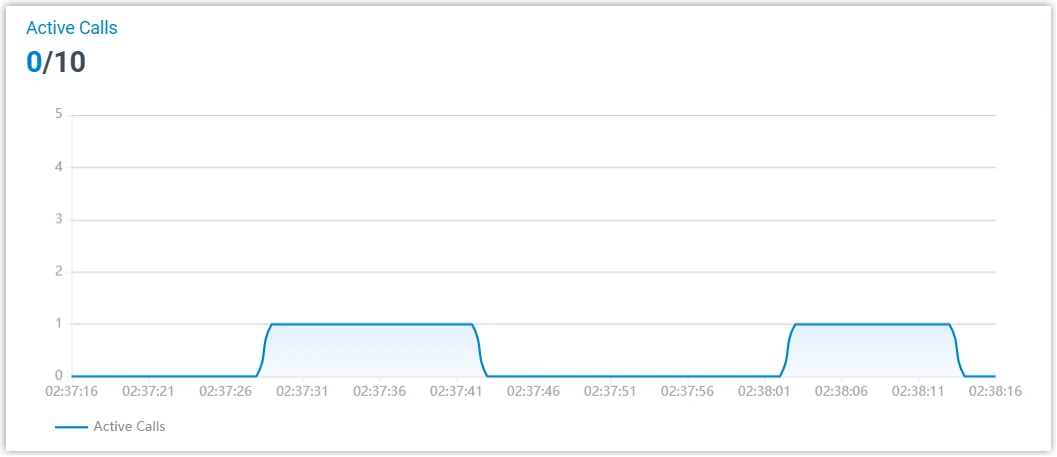
Dashboard: active calls, plan, capacity, registered extensions 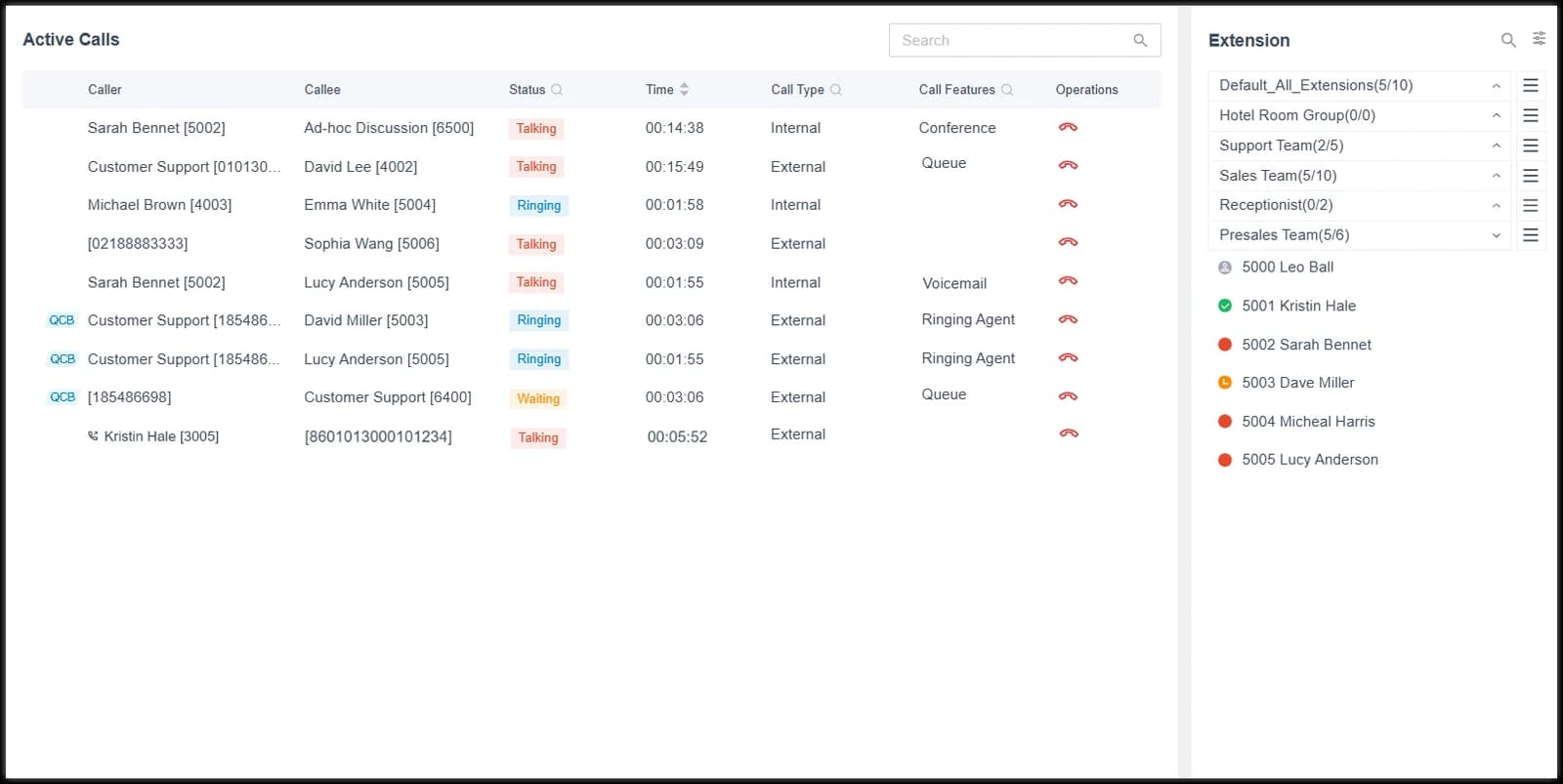
Active calls panel: every live call with extensions alongside 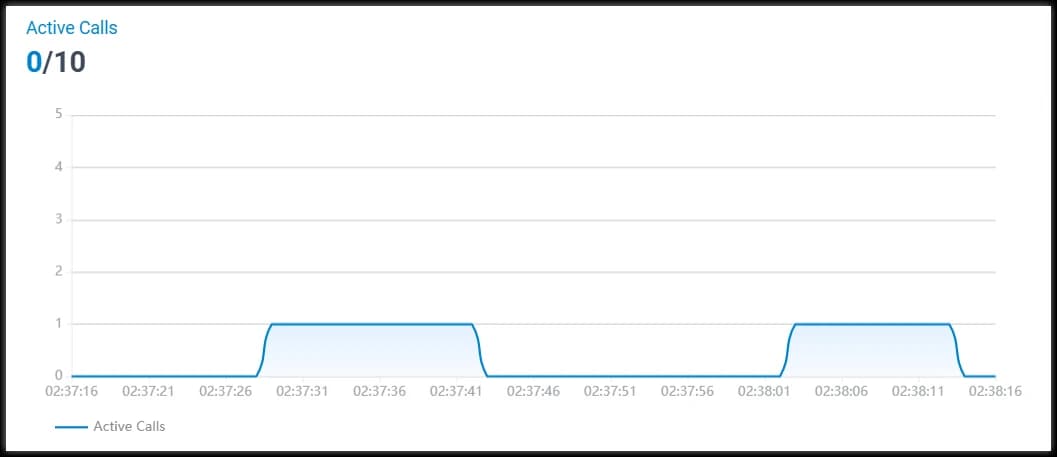
Active calls over time
Linkus — for your team
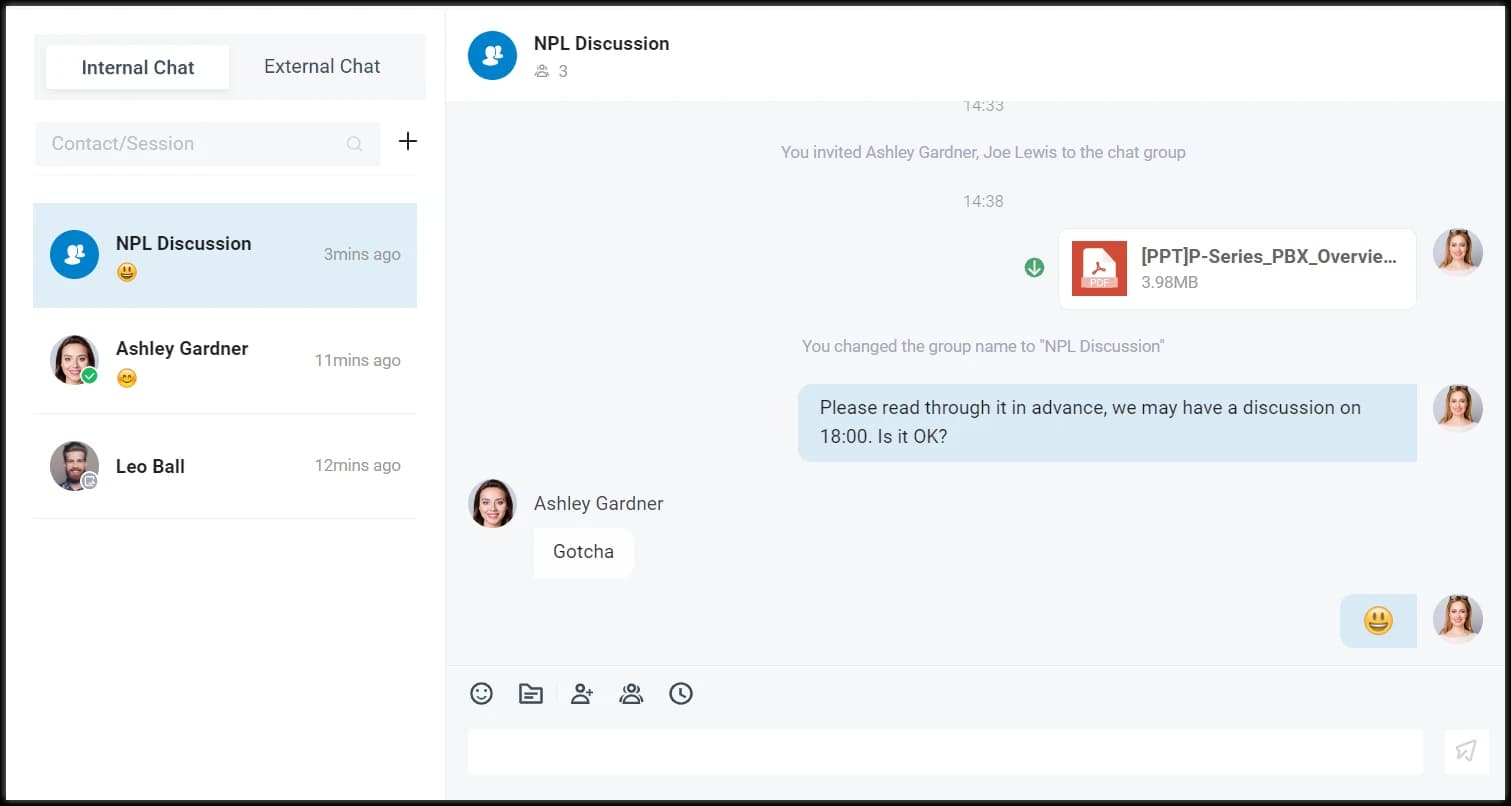
Linkus web client: internal and external chat
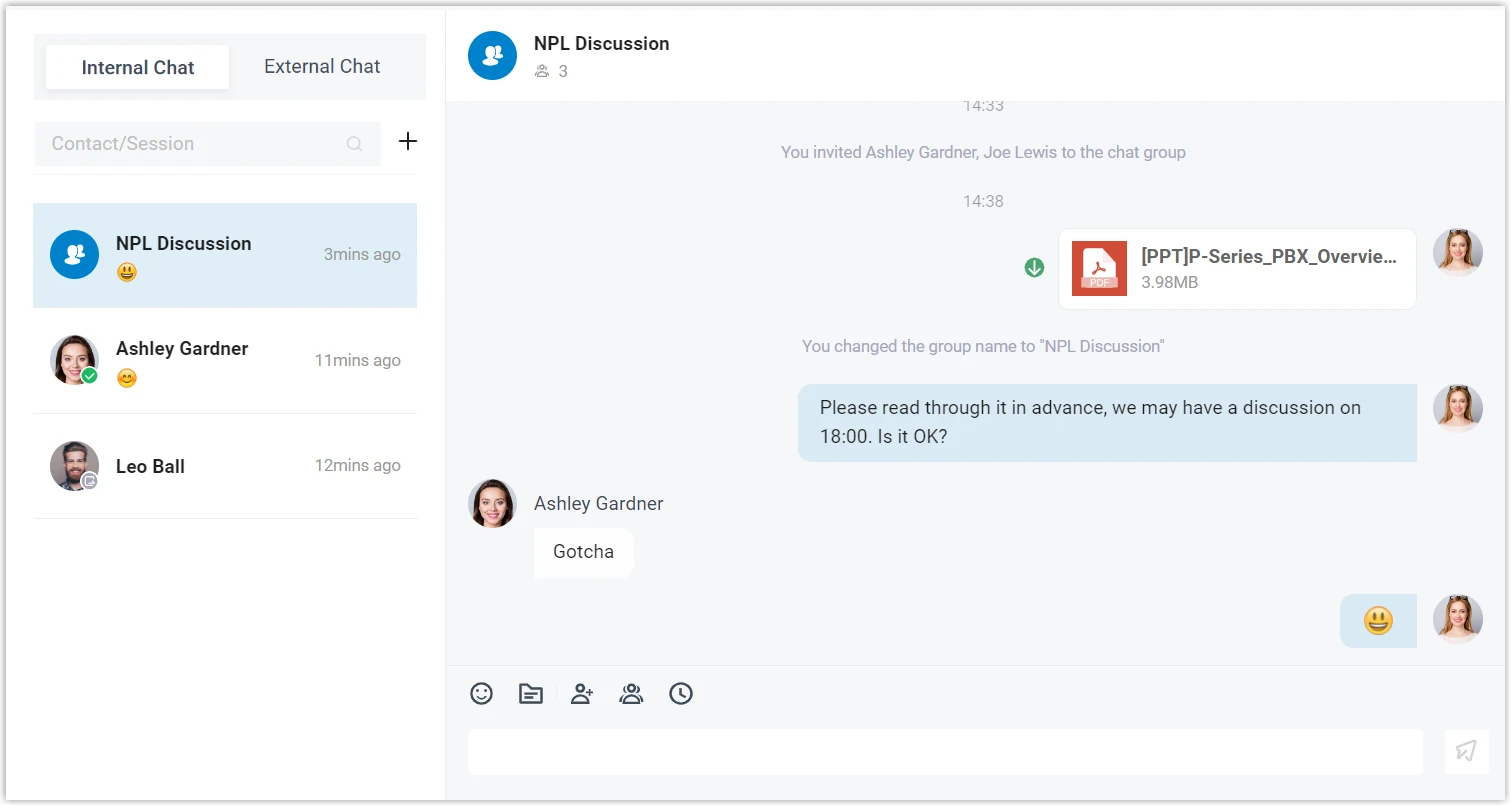
Screenshots: Yeastar P-Series documentation, © Yeastar.
What you get
Yours to use. Ours to keep running.
Your own admin panel
Your own PBX at your own web address, with Yeastar's full web admin panel. The activation email makes you its administrator — nobody else changes your setup.
Linkus apps for your team
Add users in the PBX and they get the Linkus apps for web, desktop, iOS and Android — a softphone, chat and video for every seat.
A platform we run for you
Your PBX runs on cloud servers that we, TheVoĉo, host and look after, in the region you choose when you order. We handle the licence and billing, make sure your PBX stays up, and install Yeastar's firmware and security updates — routine ones in announced maintenance windows, urgent security fixes sooner.
Guides from the people who make the software
How to set up IVRs, queues, trunks and phones is covered in Yeastar's own documentation, which we link to. Your subscription, seats, invoices and activation are on us.
Setting up the PBX itself? Yeastar's documentation covers it all: help.yeastar.com/en/p-series-cloud-edition